Easy Solution for Private Individuals and Webshops
In a world where secure delivery and fast shipping are essential – both for private individuals and small businesses – UPS stands as one of the most recognized and trustworthy logistics partners in Europe. Whether you need to send a gift to a friend in Germany or ship a webshop order to a customer in Italy, UPS is an obvious choice for safe and efficient shipping. In this guide, we show you step by step how to send a package with UPS via OhShip.dk – focusing on UPS shipping, send package, and secure delivery.
1. Overview of UPS Services and Shipping Options
UPS offers different shipping options that meet various needs and budgets:
Overview of UPS Services UPS provides a range of flexible shipping options that suit different needs and budgets:
UPS Standard: Economical and efficient delivery within Europe.
UPS Express Saver: Fast next-business-day delivery to most EU countries.
UPS Expedited: Budget-friendly solution for international shipments outside Europe.
UPS Express: Time-definite delivery for urgent shipments.
Benefits of UPS services:
Real-time tracking (UPS tracking)
Door-to-door delivery
Reliable transport and optional insurance
Option for pickup or drop-off at a UPS Service Point
UPS services give you flexibility to choose the solution that best fits your needs and budget.
2. Preparing Your Package: How to Improve Your Package
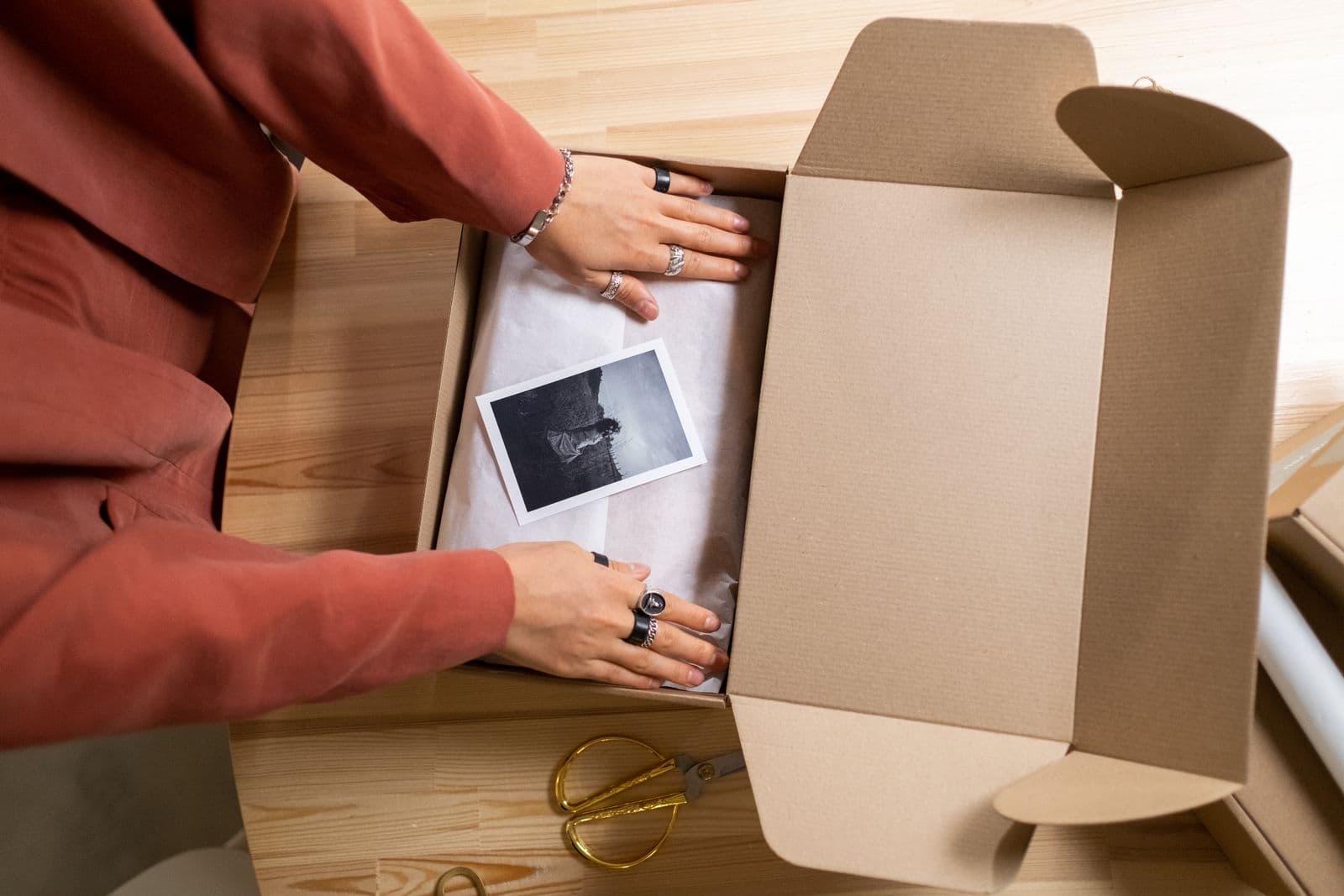
Step 1: Choose the Correct Packaging Before you can send a package with UPS, you need to make sure it is packed correctly.
Follow these packing tips for a smooth shipment:
Use a sturdy and new cardboard box that can support the weight.
Add protective material (e.g., bubble wrap) around the contents.
Use at least 5 cm cushioning around fragile items.
Ensure nothing rattles or moves.
Avoid reused boxes with old labels or markings.
Make sure the box can be closed completely without pressing the contents.
Step 2: Correct Measurements and Weight According to OhShip’s guidelines, you should:
Ensure the measurements of your package match those you entered in the form.
Weigh the package accurately – both to avoid extra fees and to ensure correct UPS pricing.
Document dimensions: length x width x height.
Step 3: Attach the Shipping Label
Print your shipping label from your order confirmation.
Attach the label securely to a flat surface on the package.
Ensure the barcode can be scanned properly.
Remove or cover old shipping labels.
3. The Shipping Process: How to Send Your Package
Option 1: Drop Off at a UPS Service Point The easiest way to send a package is through drop-off locations:
When asked “Do you have pre-printed UPS shipping labels?”, click “Yes”
Enter your 18-digit tracking number (without spaces)
Fill in pickup details – do NOT add a UPS account number
Enter number of packages and total weight
Select “UPS Standard” under International Service
Choose pickup date and time
Enter contact info for confirmation
Confirm and note your pickup order number
Telephone Pickup:
Call UPS at 35 25 80 80 and follow these steps:
Say “Schedule a pickup” from the options
Answer “No” to the question about a nearby drop-off location
Answer “No” to UPS account number
Answer “Yes” to prepaid return label
Confirm phone number and address
Enter 18-digit tracking number
Answer “No” to “Is the package being shipped outside the EU?”
Choose pickup date and time
4. UPS Prices
Factors that affect UPS pricing:
Dimensional factors:
Package weight and size
Volumetric weight calculation for large, light packages
Destination and distance
Service factors:
Choice of delivery speed
Weekend or holiday delivery
5. UPS Tracking and Delivery
How to track your package:
Online tracking:
Visit UPS.com or OhShip.dk
Enter your tracking number
Get real-time updates on the package status
Mobile tracking:
Download the UPS My Choice app
Receive push notifications
Change delivery details if needed
Delivery confirmation:
Receive automatic confirmation upon delivery
View signature and delivery time
Documentation for successful delivery
Typical tracking updates:
“Package received”: UPS has your package
“In transit”: The package is on its way
“Out for delivery”: Delivery the same day
“Delivered”: The package has been delivered
Conclusion: Choose UPS for Professional Shipping
UPS shipping through OhShip.dk offers a complete solution for both private consumers and small businesses that need secure delivery across Europe. With extensive shipping options, flexible pickup and drop-off possibilities, UPS makes it easy to send packages to any European country.
The benefits of choosing UPS include:
Extensive network across Europe
Flexible drop-off locations and schedule pickup options
Comprehensive UPS tracking system
Competitive UPS pricing
Professional shipping insurance options
Are you ready to send your next package? Send a parcel with UPS today to access UPS services, compare prices, and get expert advice on packing tips and shipping guides. Our platform makes it easy to get secure delivery at the best prices on the market. 👉 Visit OhShip and send a parcel with UPS to get started with your next UPS shipment today!
Perfume, batteries, alcohol, food, jewellery: what you can send in a parcel from Denmark to another EU country with DHL Express and UPS, and what never goes.
Carrier liability may not cover what your parcel is worth. See what DHL Express insurance costs, what UPS covers, and what to do if a parcel is lost or damaged.